TM SIM Registration for Foreigners in the Philippines (2026 Guide)
TM SIM Registration for Foreigners in the Philippines (2026 Guide) is essential for anyone visiting or staying in the country, as SIM registration is now mandatory under Philippine law. Foreigners, including tourists, students, and workers, must register their TM SIM cards to activate calls, texts, and mobile data services. This guide explains everything you need to know, from requirements to step-by-step instructions.
What is TM SIM Registration?
TM (Touch Mobile) is a prepaid mobile service under Globe Telecom. SIM registration is the process of linking your SIM card to your personal identity.
This regulation was introduced to:
- Prevent scams and fraud
- Enhance mobile security
- Ensure accountability of SIM users
Without completing registration, your SIM card will be deactivated and unusable.
Who Needs TM SIM Registration?
All foreign nationals using a TM SIM in the Philippines must register, including:
- Tourists visiting for short stays
- Foreign workers or expats
- International students
- Business travelers
Even if you are staying for only a few days, registration is still required.
Requirements for Foreigners
The requirements vary slightly depending on your status. Below is a clear table for better understanding:
| Category | Required Documents |
|---|---|
| Tourists | Passport, visa page, return ticket, hotel address |
| Foreign Residents | Passport, ACRI card, work permit or student ID |
| All Applicants | Active mobile number, selfie, personal details |
Key Points:
- Documents must be valid and not expired
- Images should be clear and readable
- Personal details must match your ID
TM SIM Registration Methods
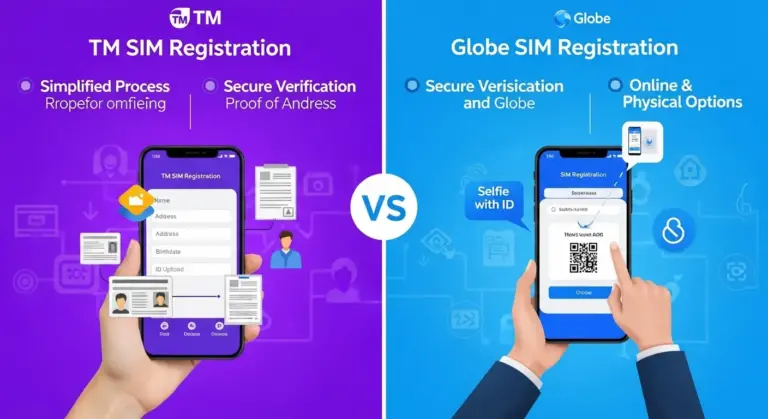
You can register your TM SIM using any of the following methods:
- Online Portal – The fastest and most convenient option
- Mobile App (GlobeOne App) – Easy for smartphone users
- Physical Stores – Available for those needing assistance
Most foreigners prefer online registration due to its simplicity.
Step-by-Step Registration Process
Follow these simple steps to complete your registration:
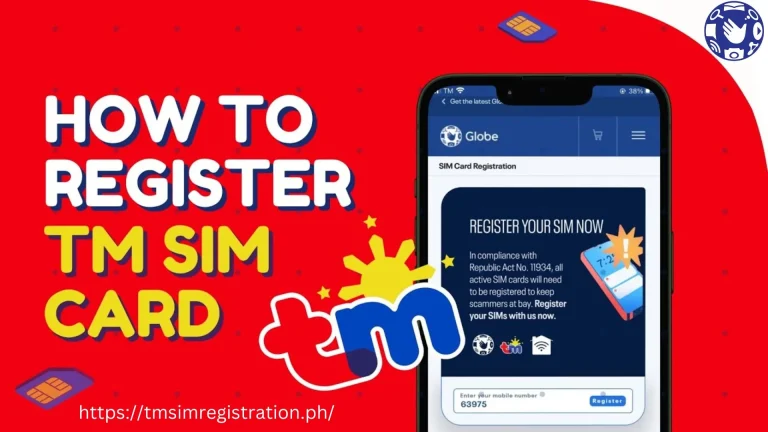
- Visit the official TM SIM registration website
- Enter your TM mobile number
- Input the OTP (One-Time Password) sent to your phone
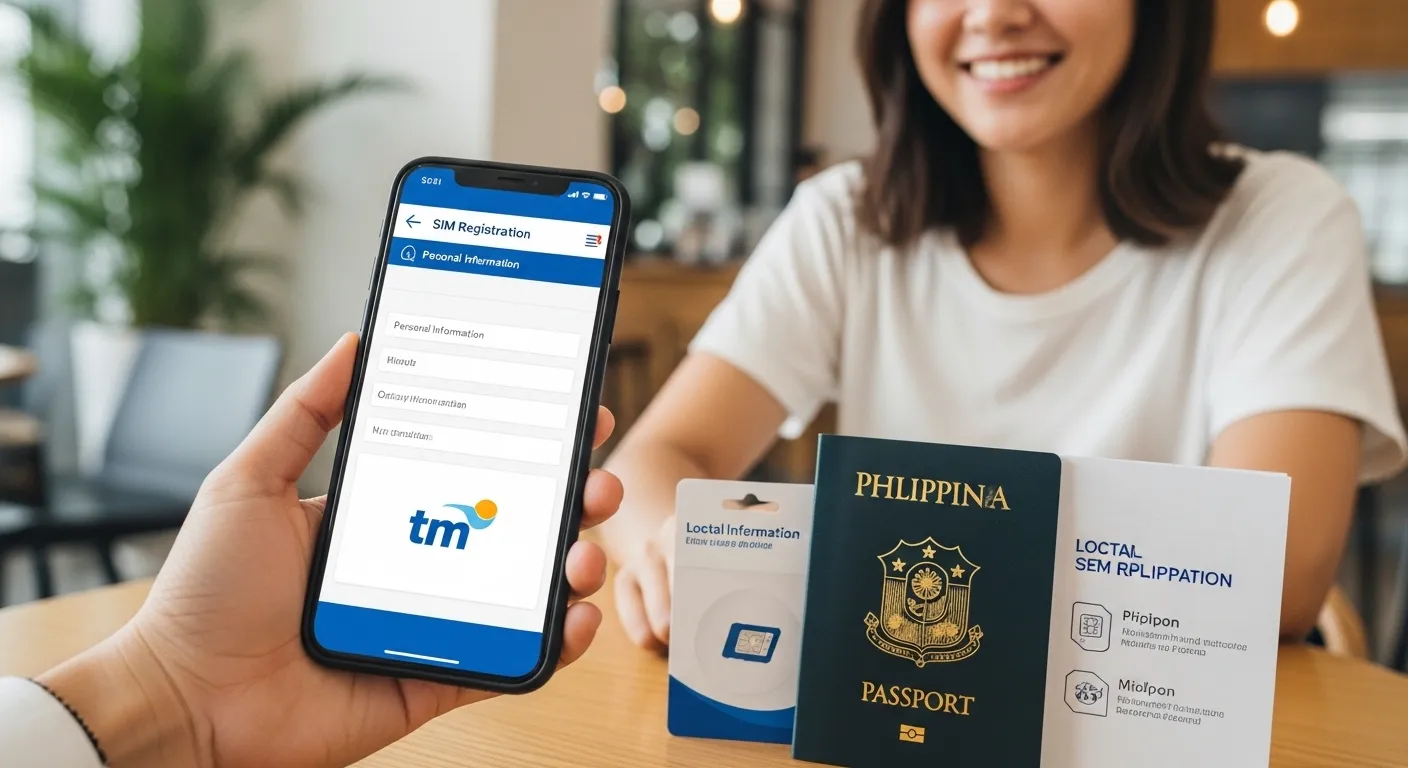
- Fill in your personal information
- Upload your passport or valid ID
- Take and upload a selfie for verification
- Submit your application
After submission, you will receive a confirmation message once approved.
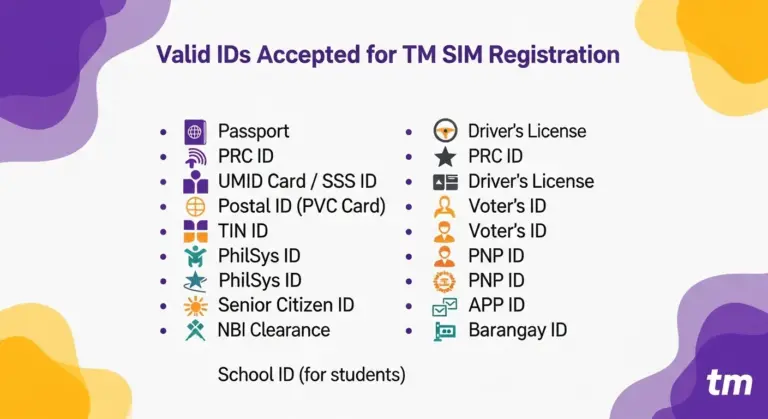
Valid IDs for Foreigners
Accepted identification documents include:
- Passport (primary requirement)
- Alien Certificate of Registration Identity Card (ACRI)
- Work permit
- Student ID (for international students)
👉 Tip: Always use your passport if unsure, as it is the most widely accepted document.
SIM Validity for Foreigners
Foreigners should be aware of SIM validity rules:
- Tourist SIMs are usually valid for up to 30 days
- Extensions may require re-registration or additional verification
- Long-term residents can maintain continuous use with valid documents
This makes it important to keep your registration updated.
Common Problems & Solutions
Many users face issues during registration. Here are common problems and how to fix them:
Common Issues:
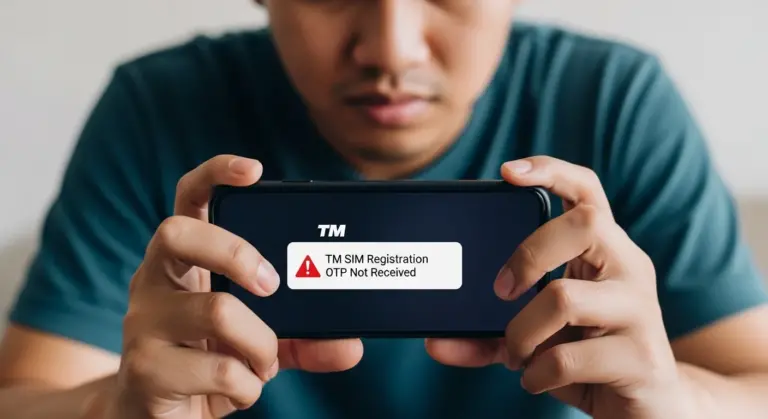
- OTP not received
- ID upload failure
- Blurry or rejected selfie
- Website not loading
Solutions:
- Ensure strong internet connection
- Use a clear, high-quality image of your ID
- Allow camera permissions on your device
- Try using the GlobeOne app if the website fails
Avoid fake or unofficial registration links to protect your personal data.
Tips for Successful Registration
Follow these tips to avoid delays or rejection:
- Use accurate personal information
- Upload high-resolution images
- Avoid using VPN during registration
- Register immediately after purchasing your SIM
- Double-check all details before submitting
These simple steps can save time and prevent errors.
What Happens If You Don’t Register?
Failing to register your SIM can result in:
- SIM deactivation
- Loss of mobile services (calls, SMS, data)
- Inconvenience during your stay
This is why completing TM SIM Registration for Foreigners in the Philippines (2026 Guide) is absolutely necessary for uninterrupted communication.
TM SIM Registration for Foreigners in the Philippines (2026 Guide) is a straightforward but mandatory process for all foreign users. By preparing the correct documents, following the step-by-step process, and avoiding common mistakes, you can easily complete your registration and enjoy uninterrupted mobile services during your stay.
Make sure to register your SIM as soon as you purchase it to stay compliant and connected.
FAQs
1. Can foreigners register TM SIM online?
Yes, online registration is the easiest and most commonly used method.
2. How long does registration take?
It usually takes a few minutes, but approval may take up to 24 hours.
3. Can I register without an ACRI card?
Yes, tourists can register using their passport and travel documents.
4. Is TM SIM valid for tourists?
Yes, but typically only for 30 days unless extended.
5. What if my registration is rejected?
You can retry by submitting clearer documents or correct details.