TM SIM Registration OTP Not Received – How to Fix It (2026)
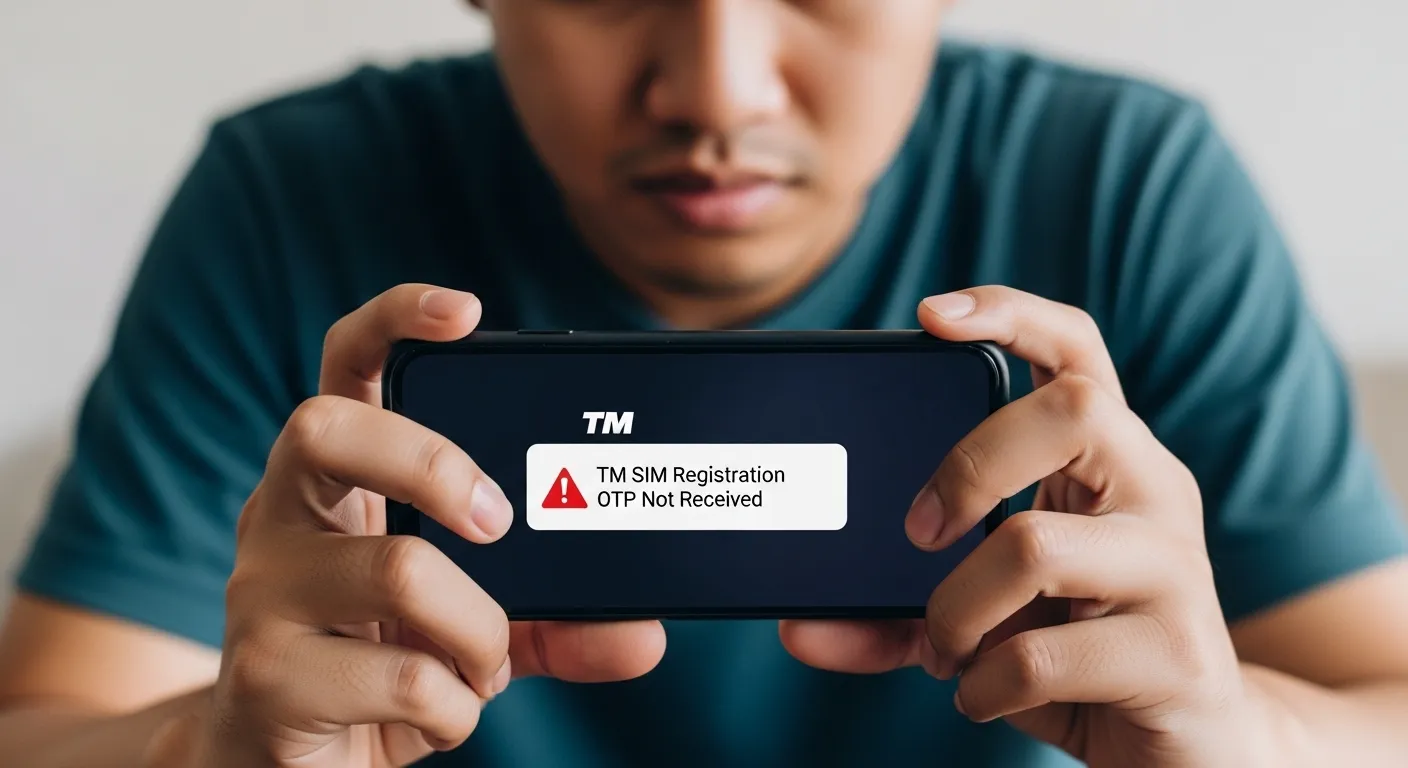
If you are struggling with TM SIM Registration OTP Not Received, you are not alone. Many users face delays or errors when registering their TM SIM in 2026, especially during high traffic periods. This article will guide you through all possible reasons why the SIM Registration OTP may not arrive and provide easy step-by-step solutions to fix the issue quickly.
What is TM SIM Registration OTP?
TM SIM registration requires a One-Time Password (OTP) for verification. This OTP is sent via SMS to the registered mobile number and is necessary to complete your SIM registration. Without it, your SIM may remain inactive, causing inconvenience.
Why TM SIM Registration OTP Is Not Received
Several factors can prevent your OTP from arriving. Here are the most common reasons:
- Weak or no network signal
- Incorrect mobile number entered
- SIM card not inserted properly
- SMS inbox full
- Phone on airplane mode
- Do Not Disturb (DND) enabled
- Server delays due to high traffic
- Expired or inactive SIM
Understanding the reason helps you apply the right solution quickly.
Quick Fixes You Can Try Immediately
Try these simple solutions first; they work in most cases:
- Restart your phone – clears temporary glitches
- Toggle airplane mode ON and OFF – refreshes network connection
- Check signal strength – move to an open area for better reception
- Reinsert your SIM – ensures proper connection
- Request OTP again – sometimes the first OTP expires
Step-by-Step Solutions for OTP Issues
Here’s a detailed guide for solving TM SIM registration OTP delays:
1. Check Network Signal
- Ensure strong signal bars are visible
- Move to areas with better coverage
2. Verify Mobile Number
- Double-check the number you entered during registration
- Make sure country code or format is correct
3. Clear SMS Storage
- Open your messages app
- Delete old or unnecessary messages to free space
4. Disable DND Mode
- DND may block incoming OTPs
- Go to settings → DND → turn off
5. Restart Your Device
- Power off and restart your phone to refresh network settings
6. Wait for Server Delays
- Sometimes TM servers are busy
- Wait 5–10 minutes and request OTP again
7. Contact TM Support
- If all else fails, contact TM customer care
- Provide your SIM number and registration details
Device-Specific Troubleshooting Tips
For Android Users:
- Reset network settings: Settings → System → Reset → Reset Network
- Check SMS settings for blocked numbers
For iPhone Users:
- Reset network settings: Settings → General → Reset → Reset Network Settings
- Ensure SMS service center number is correct
Common Problems and Solutions
| Problem | Solution |
|---|---|
| No network signal | Move to an open area or check SIM placement |
| Wrong mobile number | Re-enter the correct number with proper format |
| SMS inbox full | Delete old messages to free up space |
| DND enabled | Turn off Do Not Disturb mode |
| Server delay | Wait for a few minutes and request OTP again |
Pro Tips for TM SIM Registration OTP
- Always register SIM in areas with strong network coverage
- Avoid peak traffic hours to reduce server delays
- Keep your SIM active with a valid balance to ensure OTP delivery
If your TM SIM Registration OTP Not Received, don’t panic. By following the steps above, from checking the network signal to contacting support, you can quickly solve the issue. Always verify your number, keep your inbox clear, and stay patient during server delays. With these tips, your TM SIM registration should complete successfully in 2026.
FAQs
Q1: Why is my TM OTP delayed?
A: Network congestion, weak signal, or server delays can cause OTP delays.
Q2: How long does TM OTP take to arrive?
A: Usually within a few seconds to 5 minutes, depending on network conditions.
Q3: Can I request OTP multiple times?
A: Yes, but avoid requesting too frequently as it may block the service temporarily.
Q4: What if OTP never arrives?
A: Check network, DND, inbox, and contact TM support if the problem persists.
Q5: Will my SIM remain active without OTP?
A: No, OTP is required for registration. Without it, your SIM will stay inactive.